

My Cart (0)
Loadding...
5% off 50 pcs -mice & keyboard
10% off 100 pcs -mice & keyboard
| Product Name | BT100 Wireless Bluetooth Dual Mode 2.4G Charging Mini Keyboard for Tablet Laptop Mobile Desktop Office Keyboard |
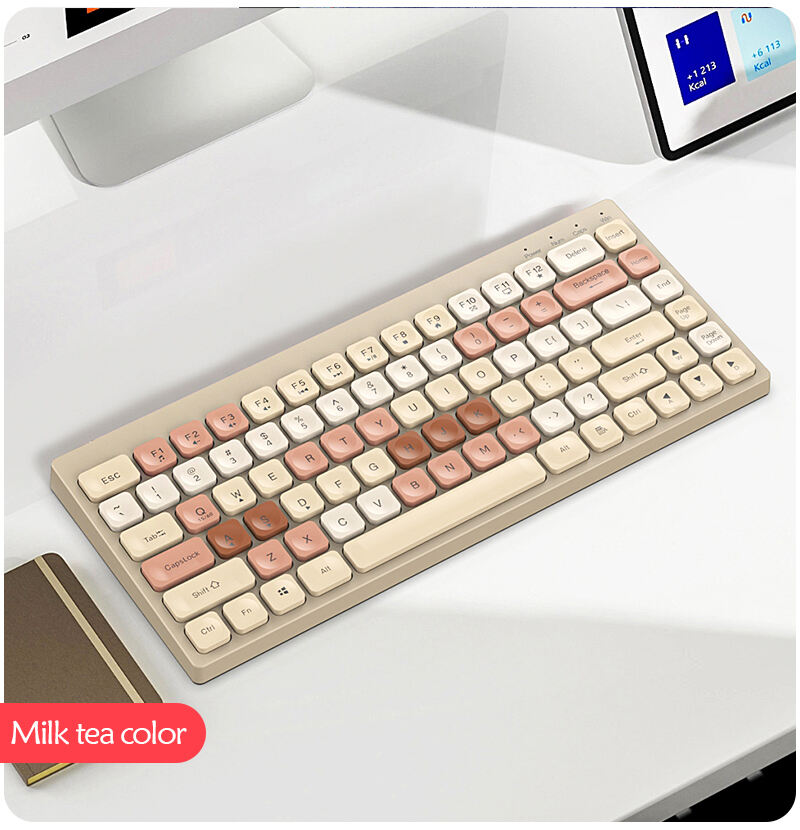
| Color | Beige, White |
| Weight | 0.600 Kg |
| Category | Keyboard |
| Brand | Thunder God |
| Upload Date | 2023-08-19 |

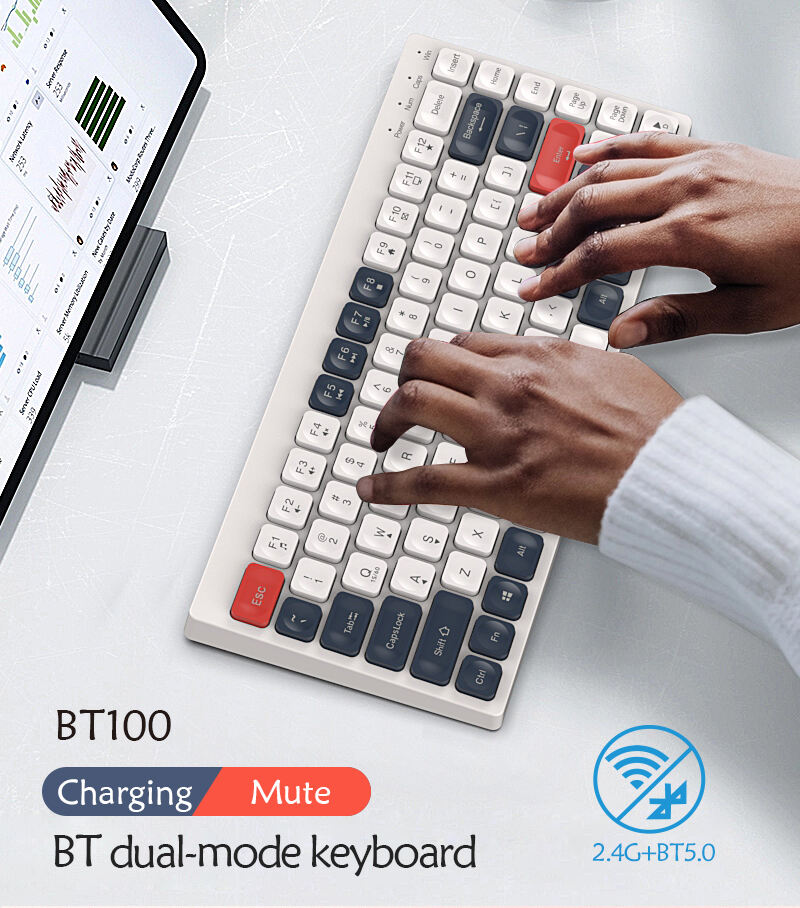
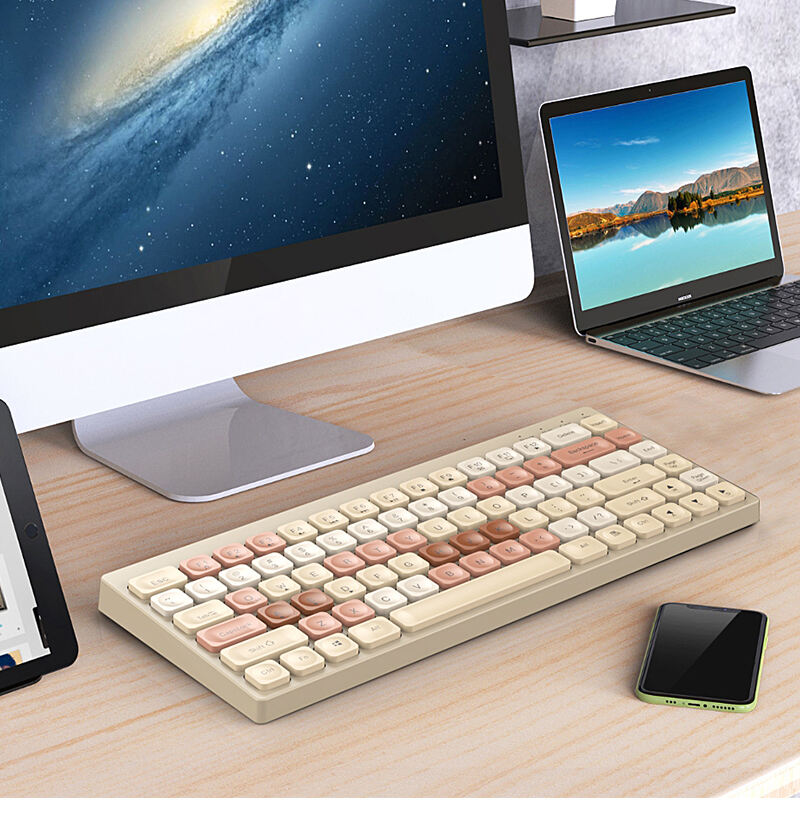
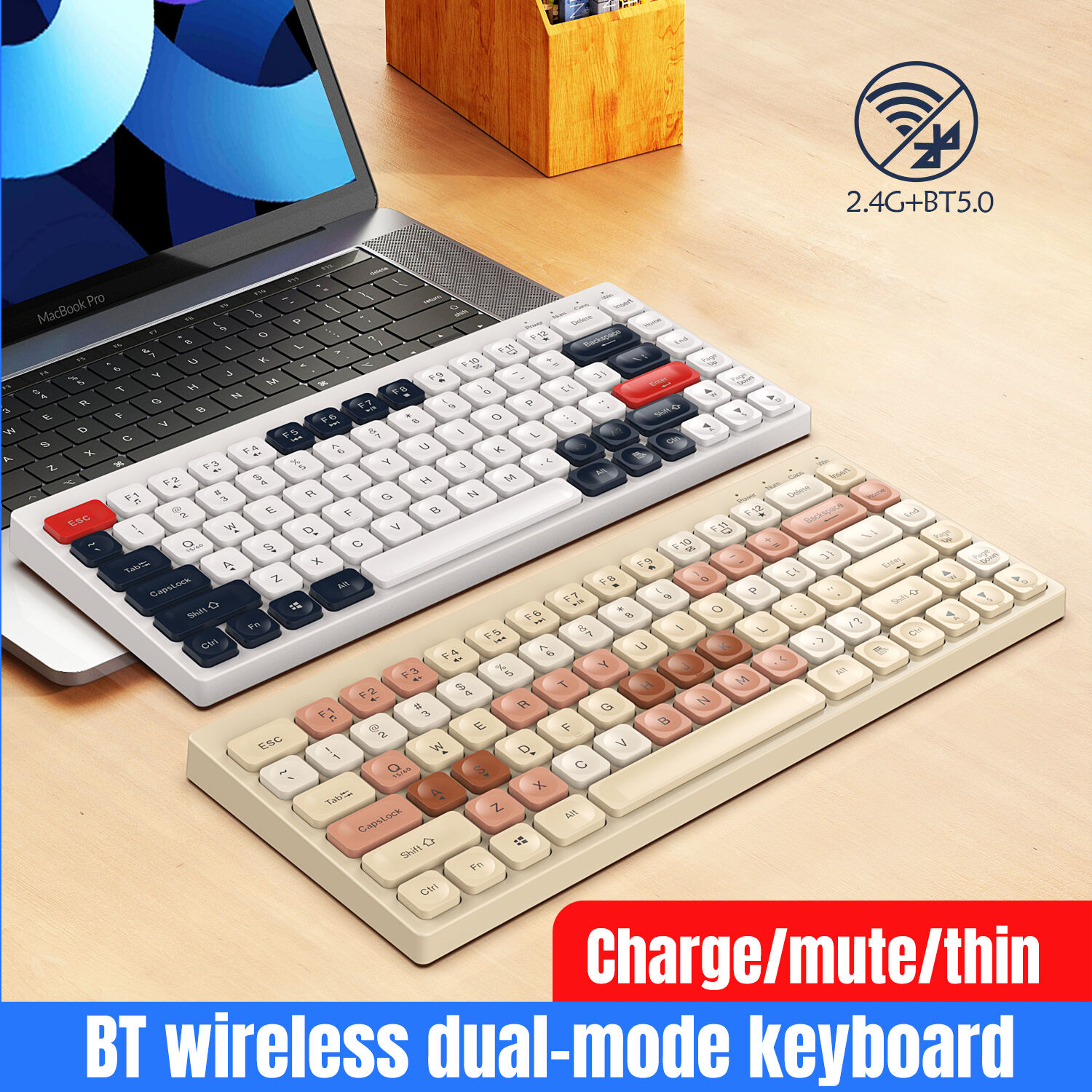
BT100 Wireless Bluetooth Dual Mode 2.4G Charging Mini Keyboard for Tablet Laptop Mobile Desktop Office Keyboard
Product Name: 2.4G wireless / bluetooth keyboard for office
Brand & Model: Magnetic Tiger BT100
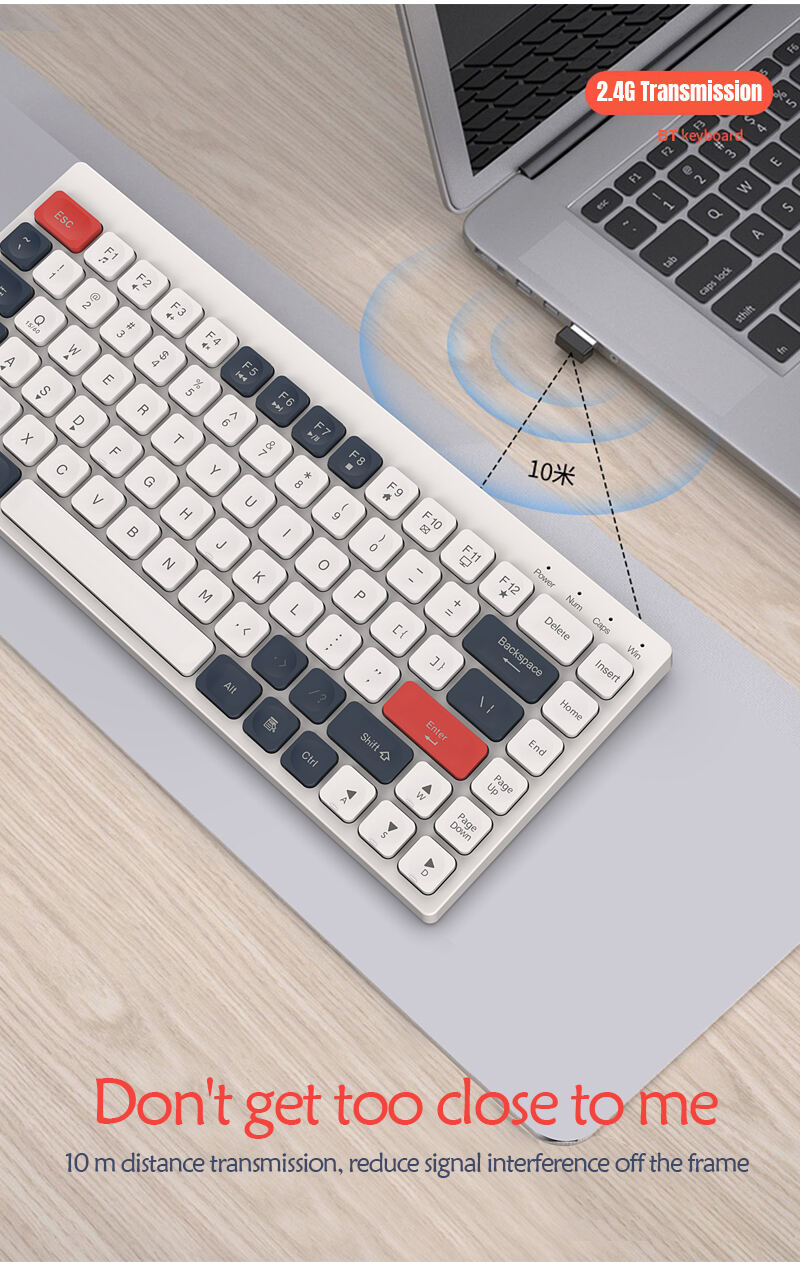
Connect Distance: <10 meters
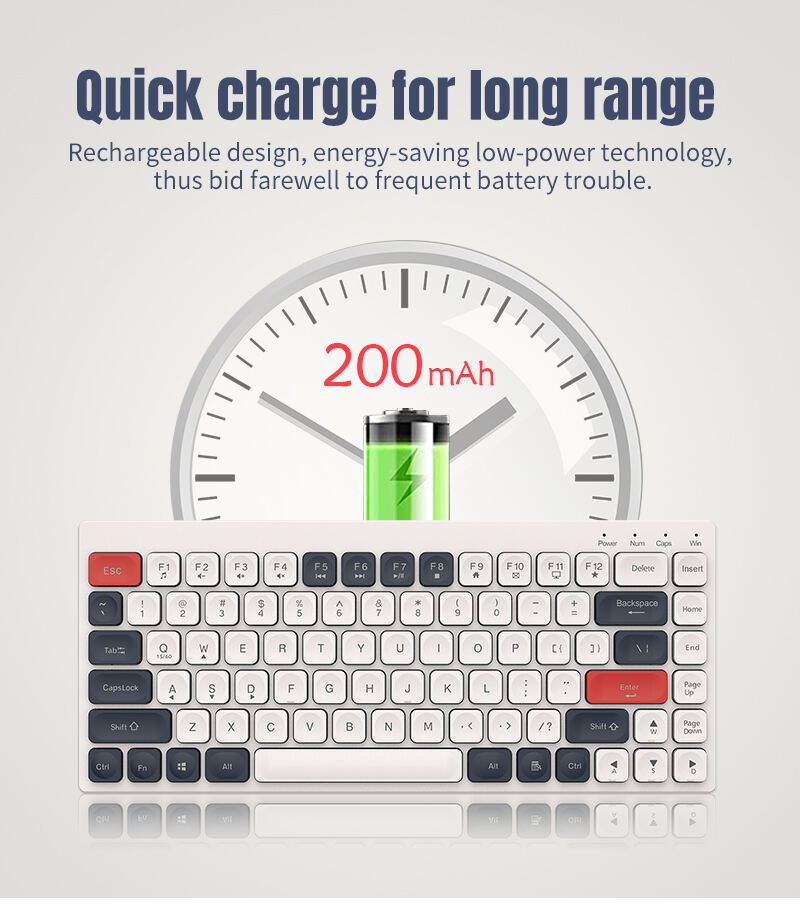
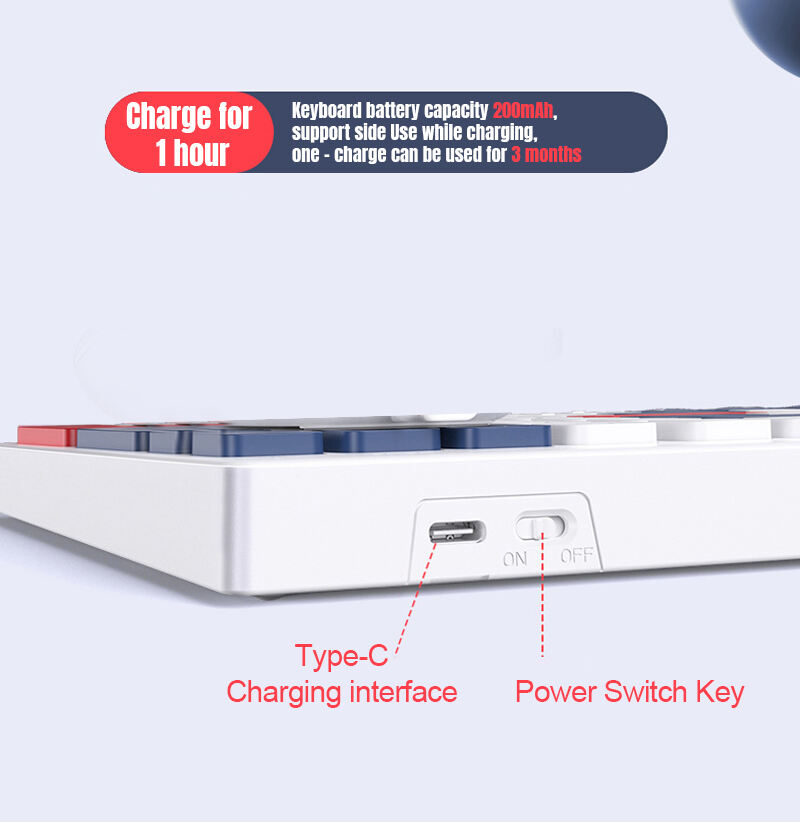
Lithium Battery: 200mAh
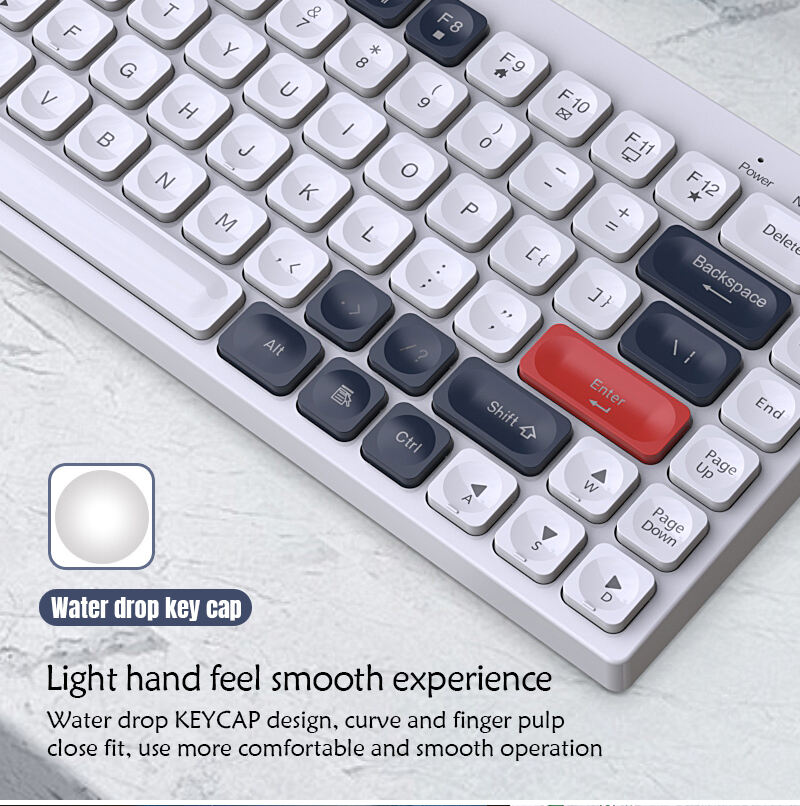
Layout: ANSI 84 keys
Keyboard Size: 311*136*16mm
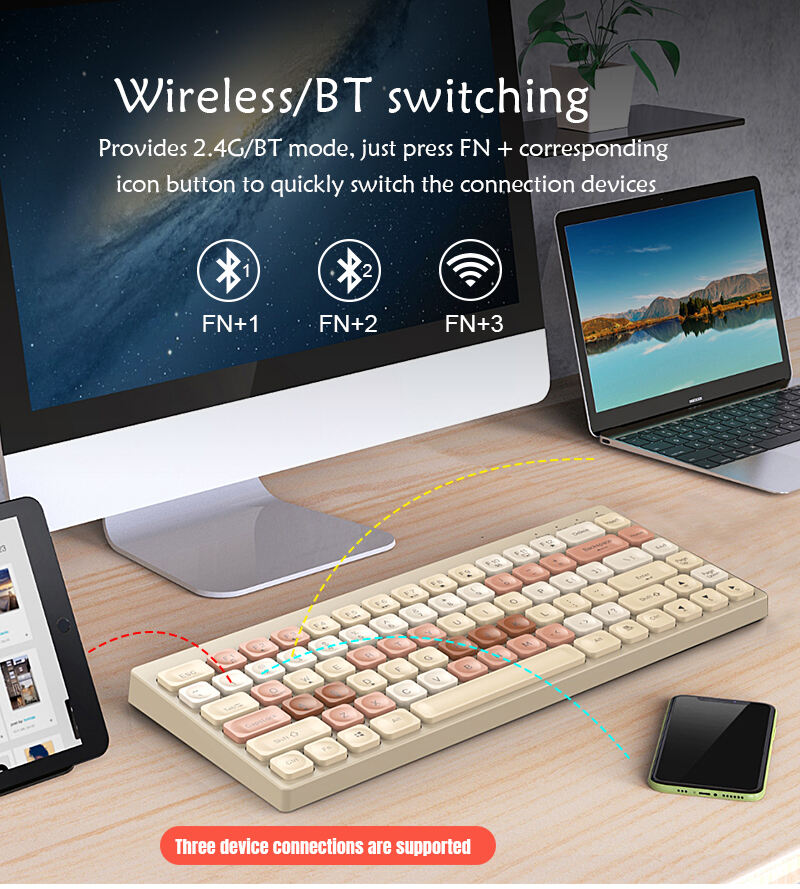
Bluetooth Pairing Methods:
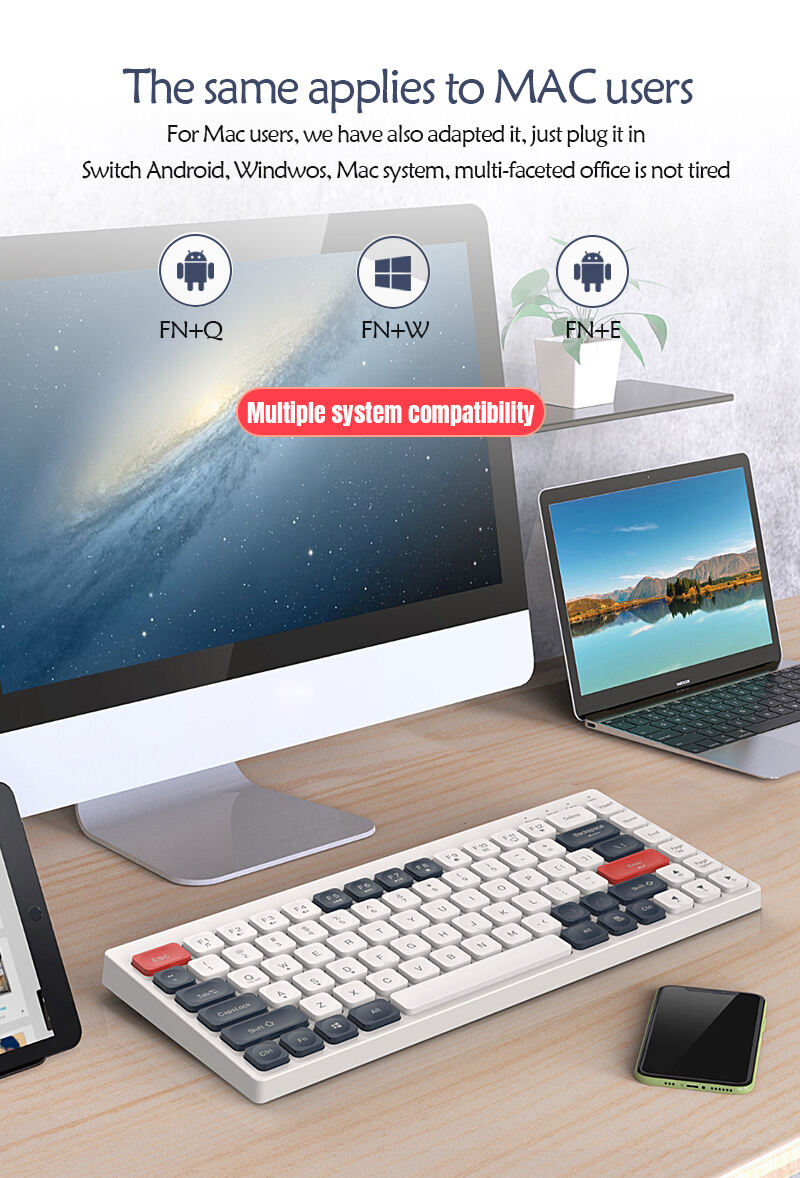
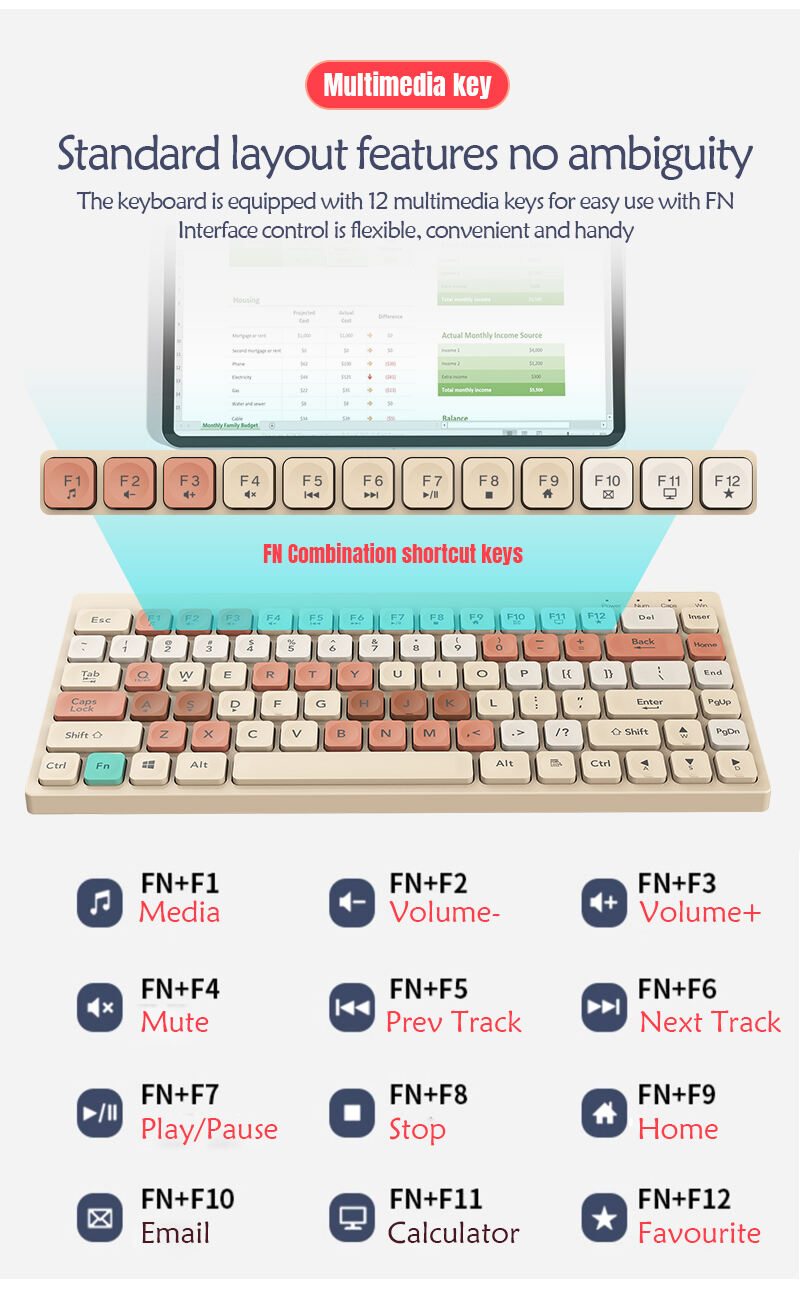
1) Turn the keyboard switch to ON, press FN+(Q/W/E) to switch to a different system (switch to the corresponding system according to the device system that needs to be linked);
2) Open the Bluetooth on your phone, press the keyboard FN+1, and press for 3 seconds to start the code comparison. During the code comparison process, the indicator light in the upper right corner will flash quickly;
3) After successful code matching, the indicator light will turn off.
(Some devices require clicking on the search device during the code checking process to connect to Bluetooth)







Mob: +86 180 9897 7708

Copyright © GeekSocial 2015-2026 All Rights Reserved.


 Email
Email WhatsApp
 09:00 - 22:00
 Leave a message
Not related record found